 Wristo
GARMIN WATCH FACE STUDIO
Your watch. Your design.
Create a Garmin watch face with Wristo Studio’s visual editor. Arrange time, dates, data and images, then build for your supported Connect IQ device.
Visual design. No coding required.
MADE FOR MAKING
A workspace for your next watch face.
Start with the time. Add what matters to you.
Make a watch face without writing code
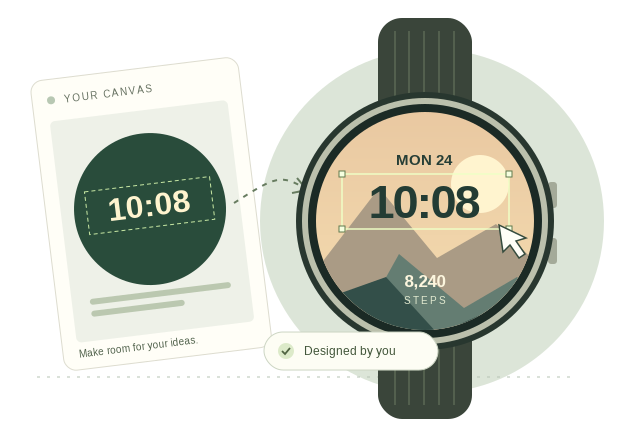
Use the visual canvas to position time, date, data fields, icons and images. Choose a supported device before refining your layout so that the design fits its screen.
Start with a design you can make your own
Browse the public gallery for inspiration. Where a creator has enabled remixing, use the available copy action to start from that design. Public visibility does not automatically grant permission to remix.
From canvas to your Garmin
Save your design, create or select its app, and choose a supported device for a PRG build. Download the completed build for device testing. IQ packaging is a separate step for the Connect IQ publishing workflow.
Check the details before you build
Device compatibility, available data fields and build access depend on your selected device, design and account. Check the current options shown in Studio. A successful build should still be tested on the target watch.